Page admin access covers posting and content management. For comprehensive marketing campaigns including advanced analytics and ad management, we may also request access to your Facebook Business Profile. We’ll discuss this separately based on your specific needs.
An administrator can be added to your facebook business page from either:
Instructions for browser based :
- Go to your facebook page.
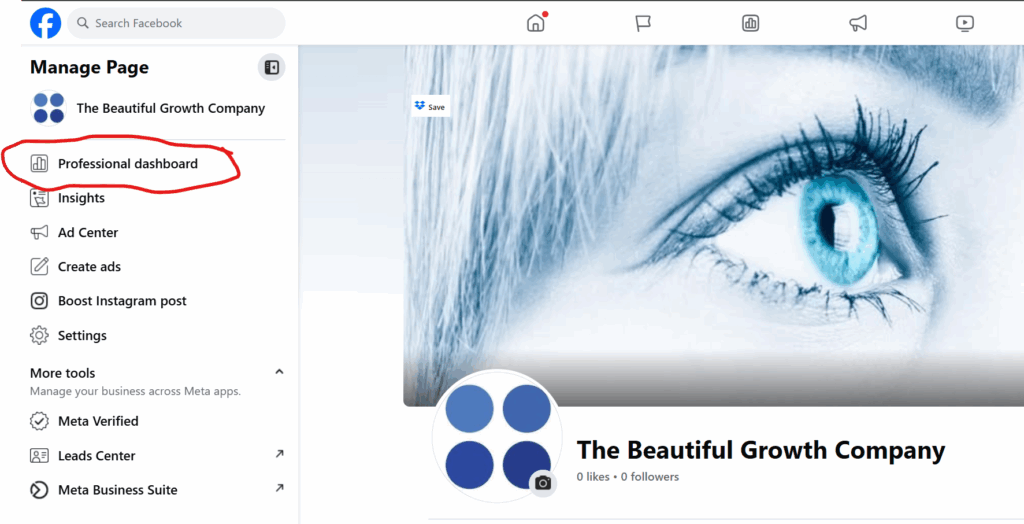
- Left side, find Professional Dashboard.
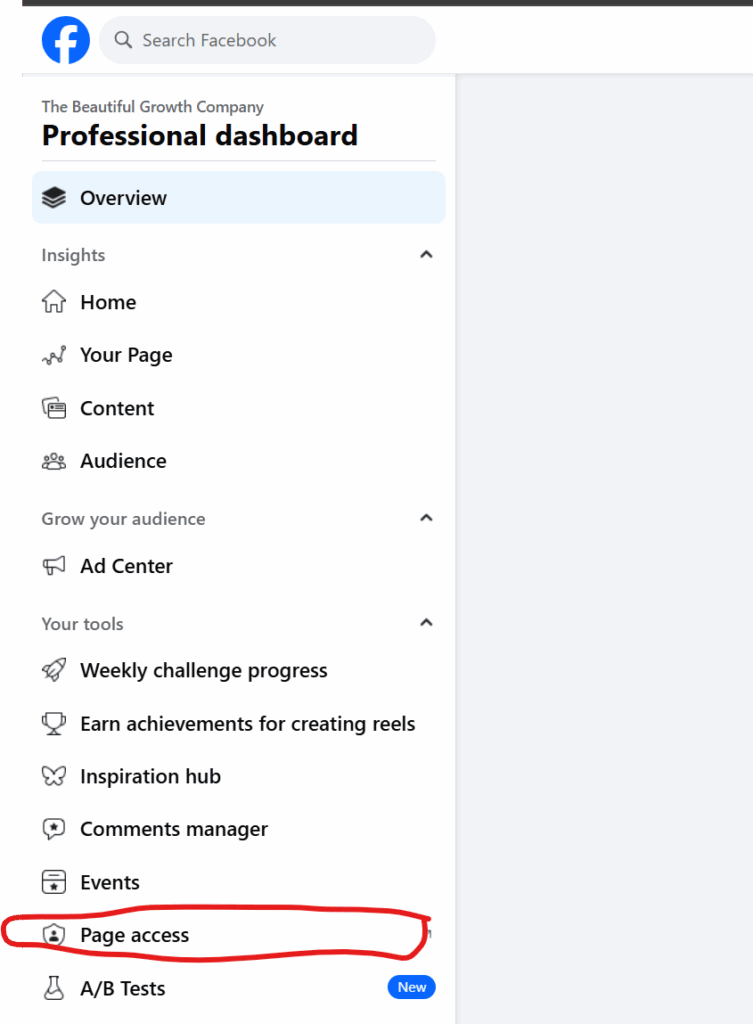
- Scroll down to Page Access on left side.
- Manage & View Access. (So you can add people by name searching or email)